Google is finally letting you change your Gmail address, and 90s kids could not be more grateful
Google is giving the then-carefree and wild teenagers a reset with the option to change usernames without any losses


A majority of us were introduced to Gmail when we were young and wild — a trait that announced itself through the most colorful email addresses. "Tomsgirl," "thisisnotyourphone," and "coffeeeyes" were likely the type of names we chose, purely out of fun. It’s not so funny when you have to add that to your resume, is it? So Google finally offered some relief. In a post shared on Instagram on March 31, it was noted that you can now change that goofy address and undo that silliness. The best part? You don’t have to lose any data at all! If you just breathed a sigh of relief, you’re not alone.
According to ARS Technica, the service debuted on April 1, 22 years ago. Ecstatic users, likely teenagers back in the day, thought it was cool to go all out on creating the usernames. As a result, we had some unexpected, obnoxious, and hilarious names. u/kneaders shared a post asking Redditors to reveal some of these names, and they didn’t disappoint. u/anexanhume wrote, “My wife's was ‘ayoung14u.’ Her name was actually A. Young, she just didn't think about the ending at all. For me, it was ‘moose_testicles@yahoo.com’ and ‘chewbacca_is_my_stock_broker@yahoo.com.’” Well, yikes. Luckily, whoever did this on Gmail can now go back in time and fix the hysterical error, thanks to a Google update.
Let’s get to it. How do we go about it?
Step 1: Go to your account settings and click on “Personal Info.”
Step 2: Go to “Google Email”
Step 3: Find the “Change Google Account Email” option
Step 4: Add a new username (Don’t pick something goofy again… or maybe go crazy, all up to you)
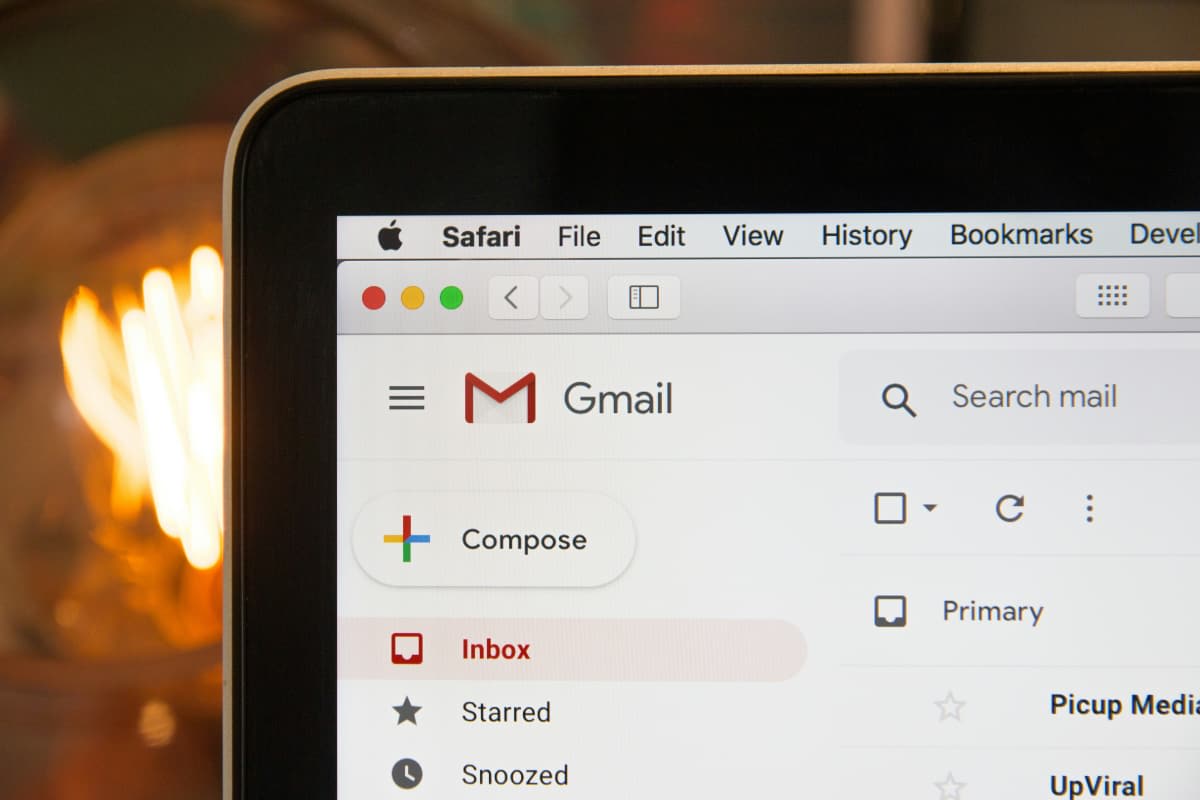
Google assures you that you won’t lose your old emails, and everything will be sent to you. You will also receive an option to set this new username as the “Primary” one, and voila. Here’s the catch: You can only make one change every 12 months, so if you dread the humorous names, maybe pick a better one this time. There has been no fixed reason for this, but it is suspected to be initiated to avoid spam creation. The U.S. has been working on the updates, and users have been asked to check the same to confirm whether they are all set up in their area.
According to SQ magazine, as of 2025, approximately 22% of the global population (1.8 billion) is actively using Gmail. Out of this percentage, around 41.9% are U.S. users. The service handles around 121 billion messages every single day. This varies for educational purposes, work, and other purposes. 90% of startups and 60% of mid-sized businesses use the system as a primary channel. @rafael.fbicalho wrote, “I'm 45, and I still have to use my teenager Google account name. I'm waiting for this to happen for ages.” @byond_ai01 added, “Finally—no more cringe usernames, Google just gave everyone a reset.”
More on Scoop Upworthy
Man gives a reality check on Google Incognito, which is 'not that private' and people are stunned
Woman shares the surprising amount of information Google knows about every person
 Share on Facebook


